
Global Configuration - Lockpoint Cloud
Accessing the Global Configuration
The Lockpoint global configuration page is used for setting Lockpoint options that apply to your entire Confluence instance. The global configuration tabs are described in the following pages:
| Tab | Description |
|---|---|
| General Configuration | Set default activation across spaces and other general Lockpoint options |
| Unlock Timeouts | Edit default automatic unlock timeouts for all spaces |
To access the global configuration page:
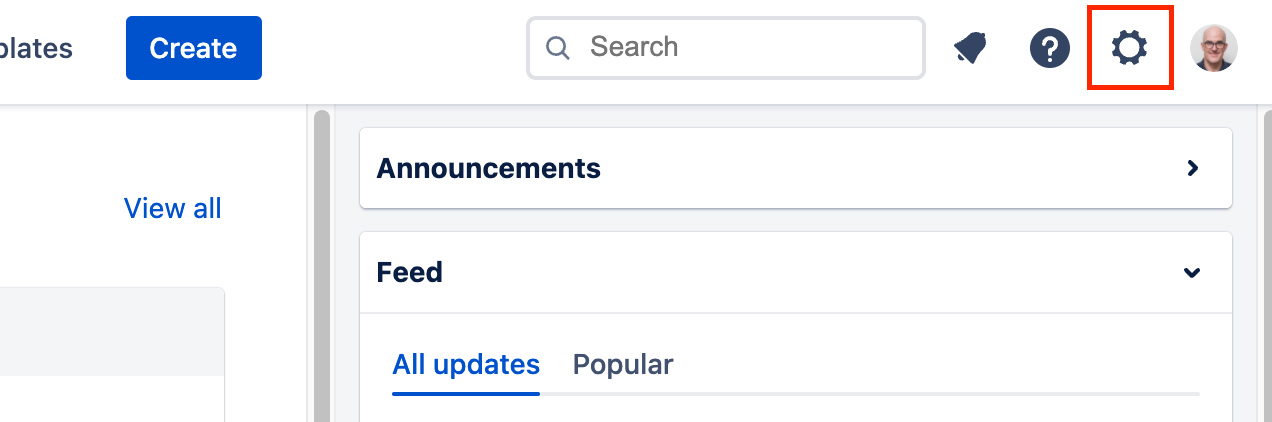
- Click on the Confluence Administration gear icon in the top right corner of the site.
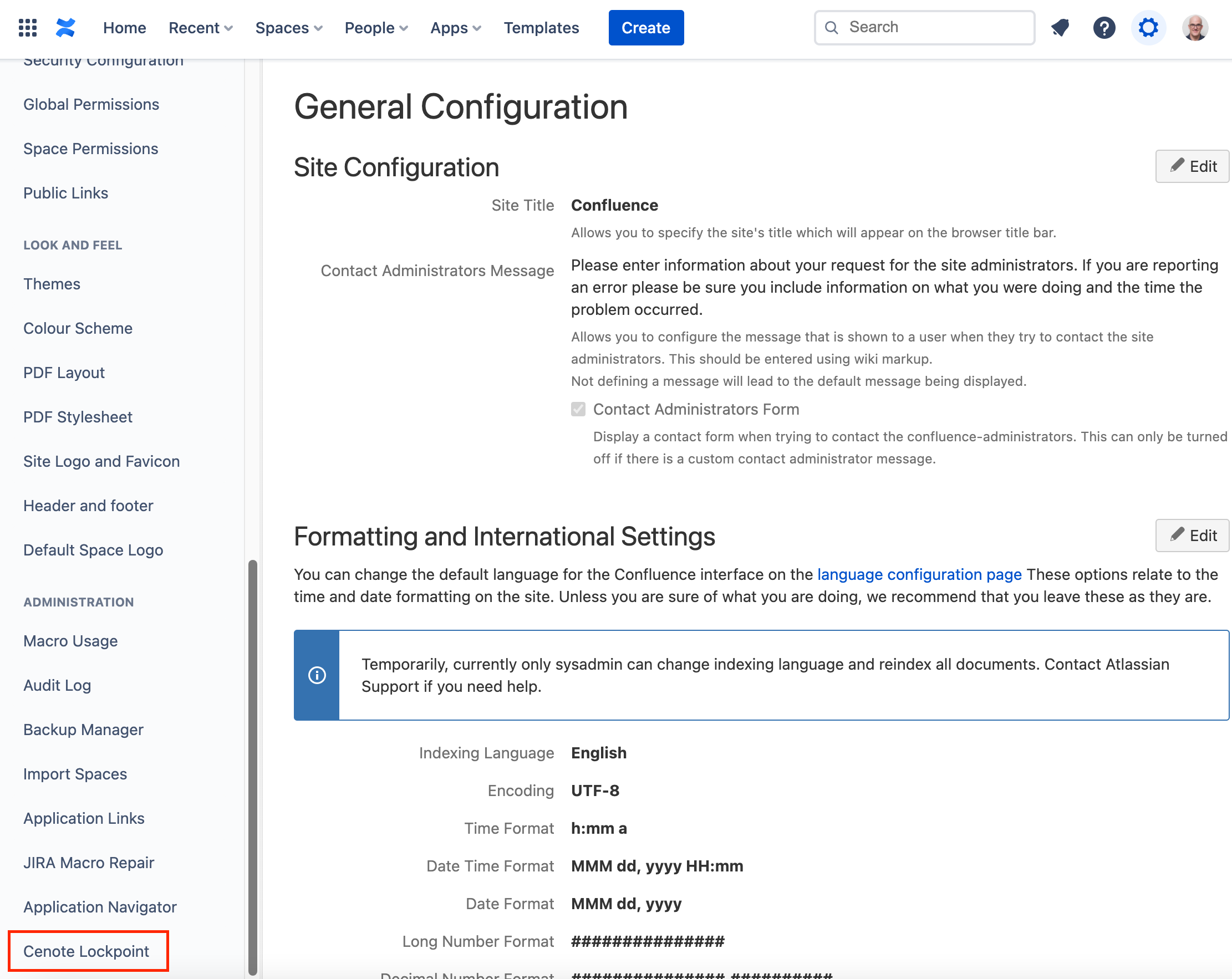
- Next, in the left-hand side-bar, scroll down and select Cenote Lockpoint.