

Global Configuration
Accessing the Global Configuration
The Lockpoint global configuration page, located at Confluence Administration » Cenote Lockpoint, is used for setting Lockpoint options that apply to your entire Confluence instance.
To access the global configuration page:
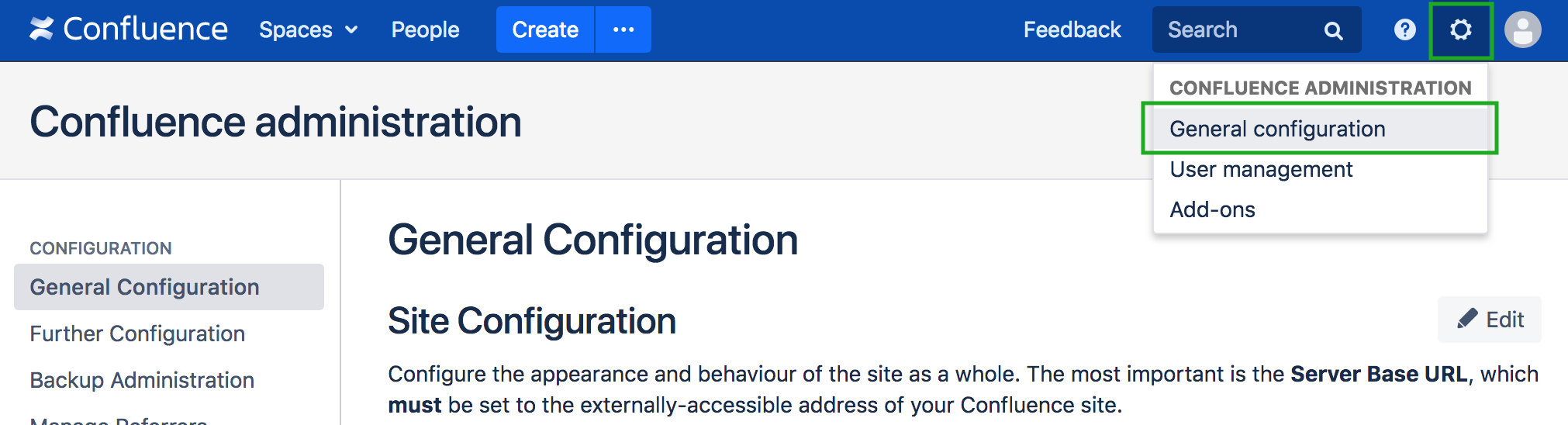
- Click on the Confluence Administration gear icon, and select General configuration.
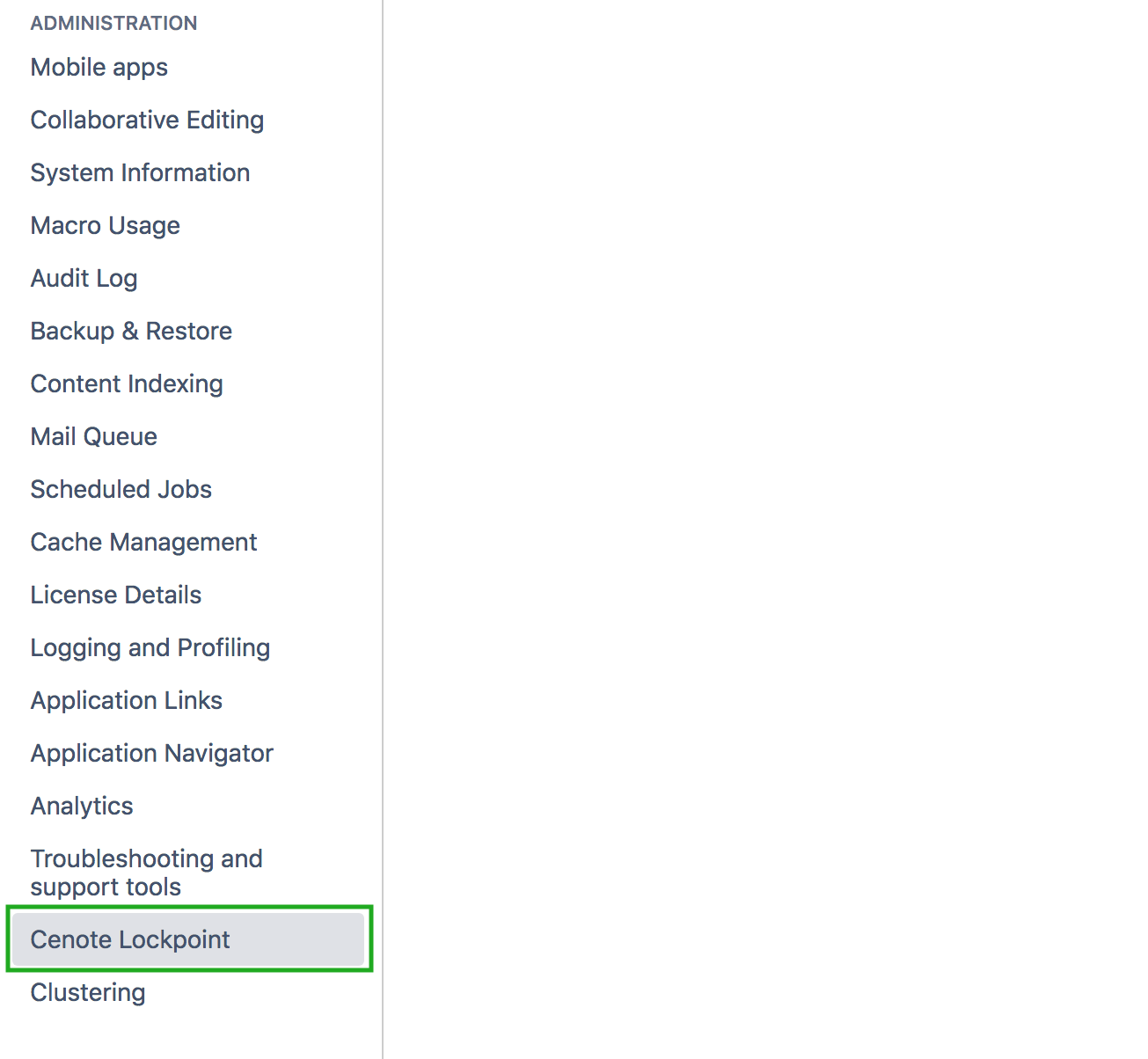
2. Next, in the left-hand side-bar under the Administration category, select Cenote Lockpoint.
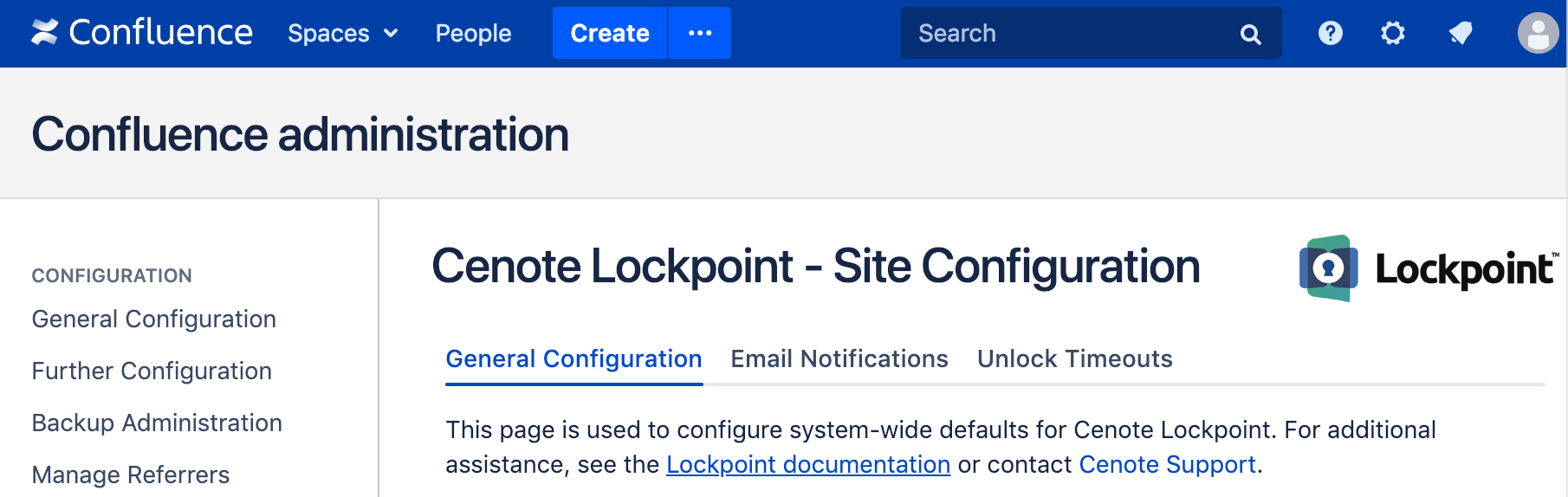
The heading of the global Lockpoint configuration page is shown below:
The global configuration tabs are described in the following pages:
| Tab | Description |
|---|---|
| General Configuration | Set default activation across spaces and general Lockpoint options |
| Email Notifications | Edit default email notification content for all spaces |
| Unlock Timeouts | Edit default automatic unlock timeouts for all spaces |