

Getting Email Notifications
Notify Me
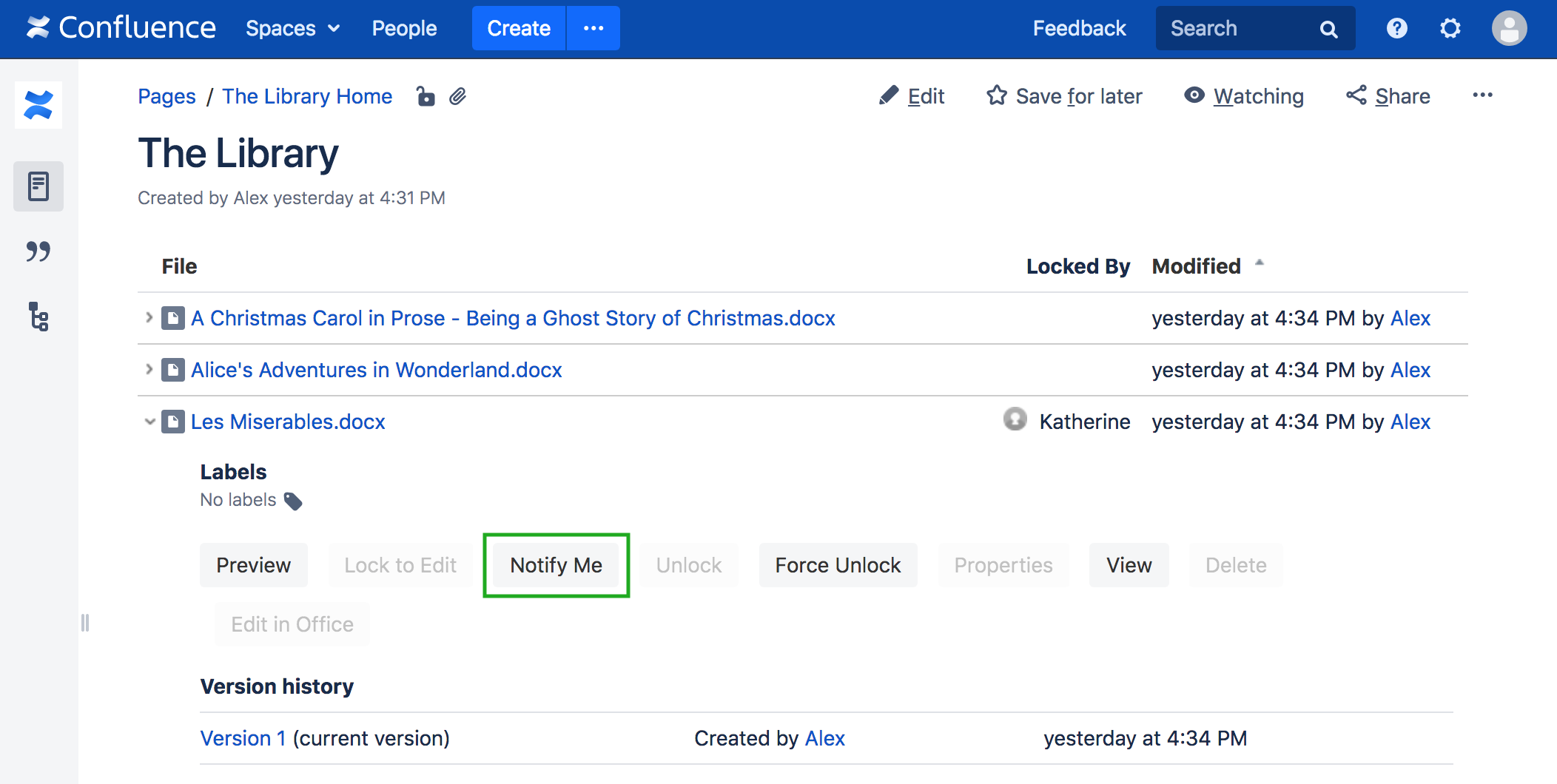
If the user wishes to work on an attachment that is currently locked by someone else, the user can select the Notify Me link next to the attachment (on either the View Attachments page or in the Attachments macro).
When the file is eventually unlocked by the current owner, Cenote Lockpoint will send an email to the user who requested the notification.
Canceling Notification
If the user requests a notification and later changes his or her mind, the Cancel Notification link can be used to cancel the notification request.
Customizing the Notification Email
The template used for sending notifications can be configured by Lockpoint Administrators as described in the section on customizing Email Notifications and Automatic Unlock Interval.